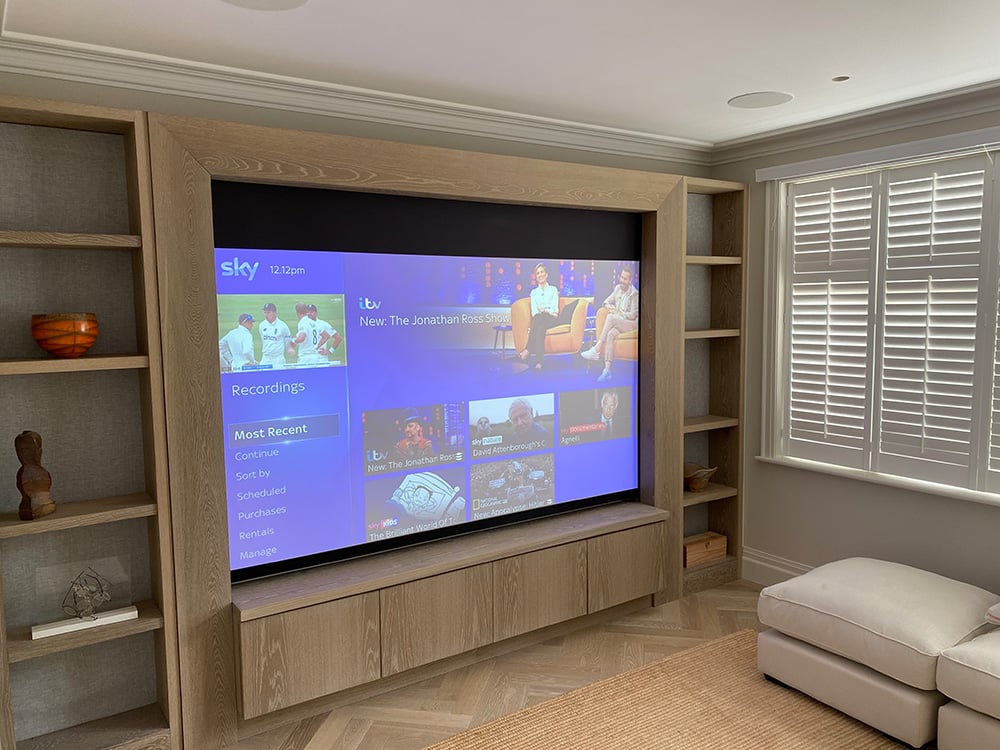
Yes. A projector can show everything your TV does: Sky, Virgin, Freeview, Freesat, Netflix, iPlayer, the football and the evening news. A projector has no built-in TV tuner, so you plug in the box you already use, usually with a single HDMI cable.
If you're planning to use a projector in your living room, it needs to work for everyday viewing, not just film night. This guide shows how to connect your TV services.
What can I watch on a projector?
Anything with an HDMI output, including:
- Sky
- Virgin Media
- Freeview and Freesat – using a Freeview or Freesat set-top box or recorder
- Streaming sticks – Amazon Fire TV, Apple TV, Google TV / Chromecast, Roku
- Games consoles – PlayStation and Xbox (see Can I play Xbox or PlayStation on a projector?)
- Blu-ray and 4K players
Many projectors also have streaming apps built in, so you can watch iPlayer, ITVX, Netflix and Disney+ without an extra box.
Can you connect a TV to a projector?
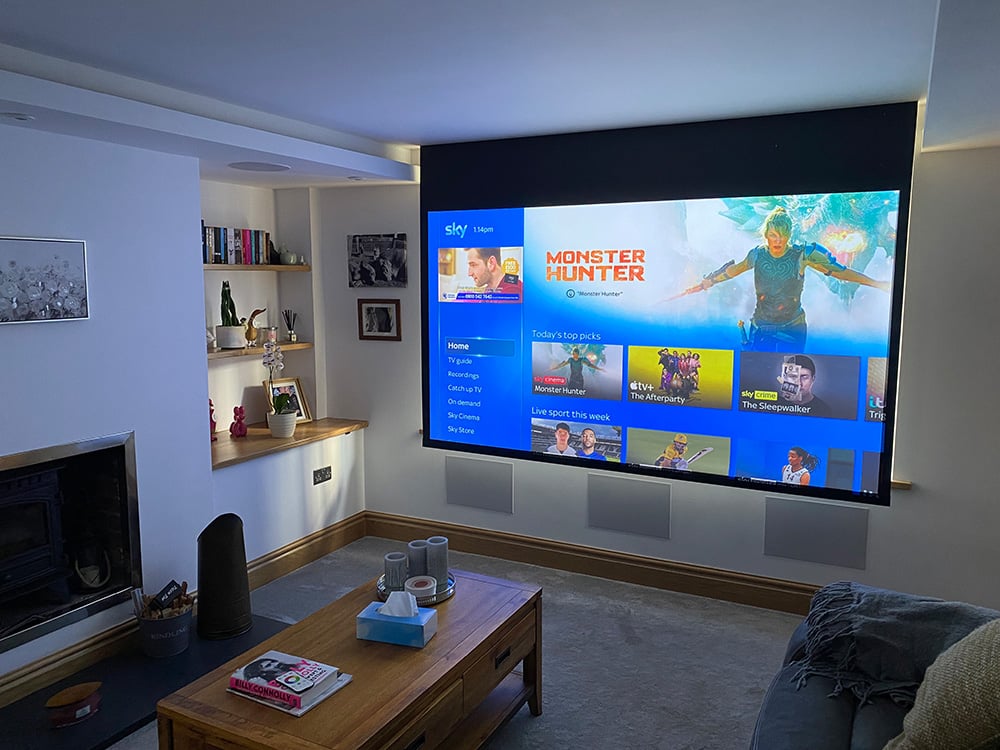
Usually, you don't need to. Most TVs have HDMI inputs but no HDMI output, so you can't send a picture from the TV to the projector. Connect your TV box (Sky, Virgin, Freeview) to the projector instead. To use both a TV and a projector in the same room, run your sources through an AV receiver. It has two HDMI outputs: one goes to the TV and one to the projector. You can then watch the news on the TV during the day and drop the screen down for films in the evening.
How do I connect my Sky/Virgin box to my projector?
Connecting your Sky or Virgin box to your projector couldn't be easier.
You will plug the HDMI from your Sky or Virgin box into the HDMI In port on your AV receiver. Then you will run an HDMI cable from the HDMI Out port on your AV Receiver to your projector.
This kind of setup allows you to have various devices connected i.e Sky, DVD, Games consoles etc. At the click of a button on your remote control, your projector will switch between devices just as easy as your TV has traditionally done so.


What are the benefits of a projector over a TV?
- A much bigger picture for the money A 120-inch picture is easy for a projector. TVs that size are rare and cost far more. Sport, films and games feel like an event rather than background viewing.
- It disappears when you're not using it A large TV leaves a black rectangle on the wall all day. A ceiling-recessed screen and a projector lift hide away completely, so your living room looks like a living room until you press play.
- Comfortable to watch A projector shows light reflected off a screen, rather than shining light straight at you. Many people find this more relaxed for long films or a full day of sport.
- Real cinema immersion A screen that fills more of your view, together with surround sound, gives you the feeling of a cinema at home. A TV can't match that, however good it is.
Is a projector good for everyday TV?
So now we know that we can use a projector for TV, is it a good option?
Many peoples main worry with choosing a projector for everyday TV viewing is whether it will work in daylight. Projectors have come a long way in the last 5 years, the brightness you get with modern high end projectors can cope with ambient light. Now if you have a amazingly bright room with lots of glass or skylights of course you will need to control the light some how with something like blinds. This would be the same for a TV though as the glare would make it unwatchable. With projectors you get no glare and the colours remain no matter the angle you are watching from. What you can get is washing of the screen with really bright light. A great option is to drop our ceiling recessed screens in front of the windows or doors in the room. The blackout fabric means that you are using the screen itself to block the most light giving you fantastic daytime viewing.
Here are some uneditted images of customer rooms showing the screens playing content in the daytime.
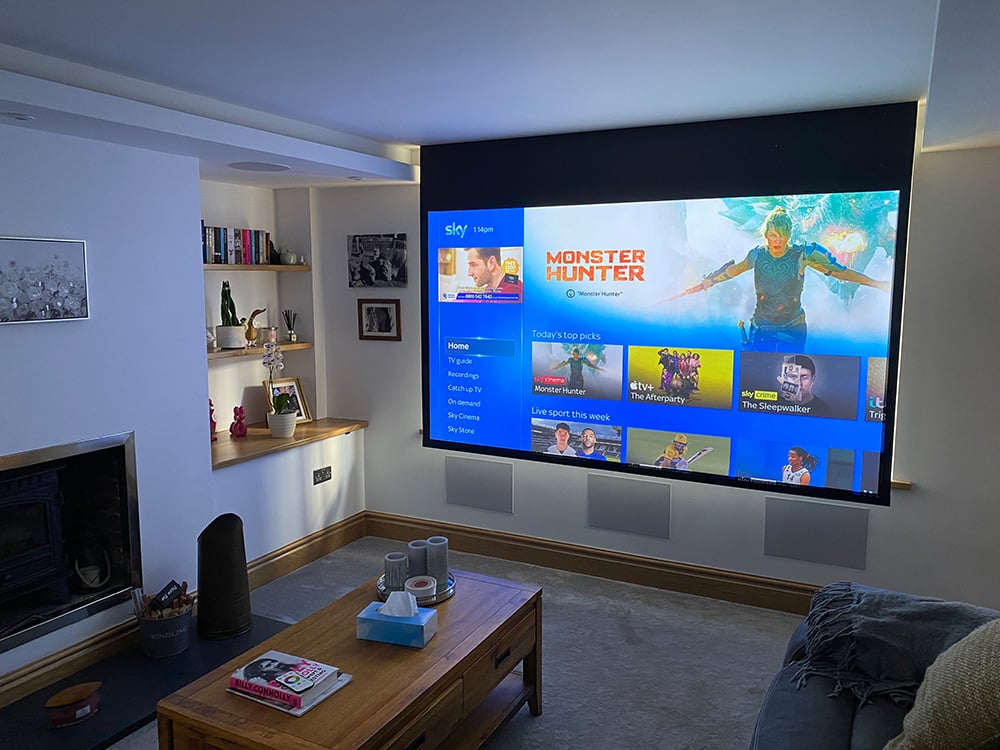
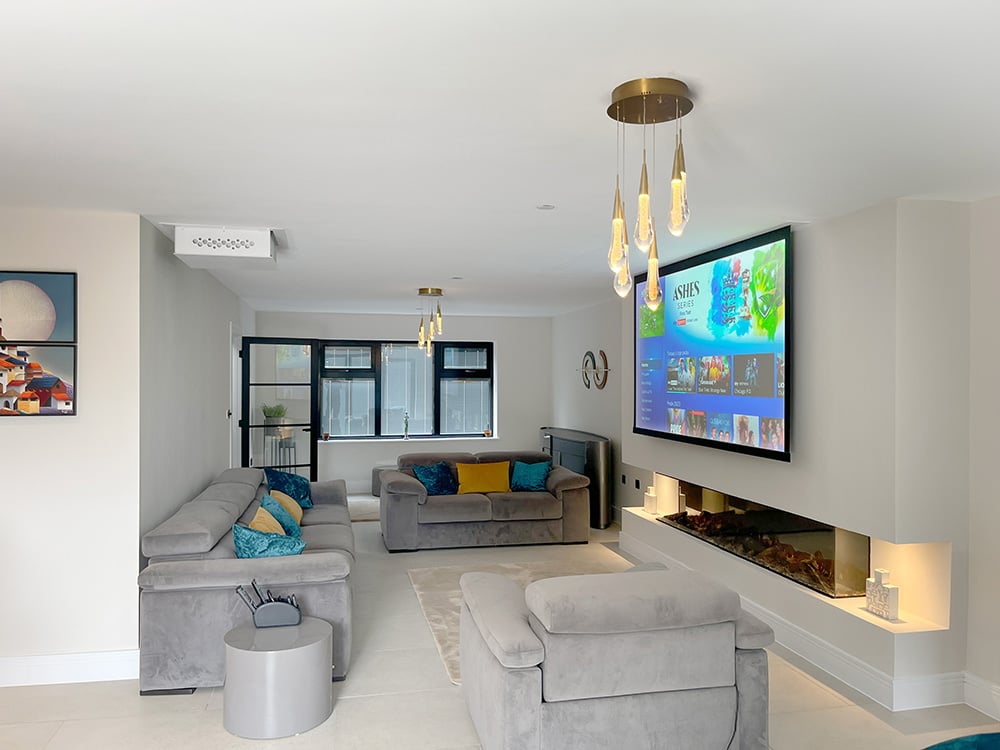
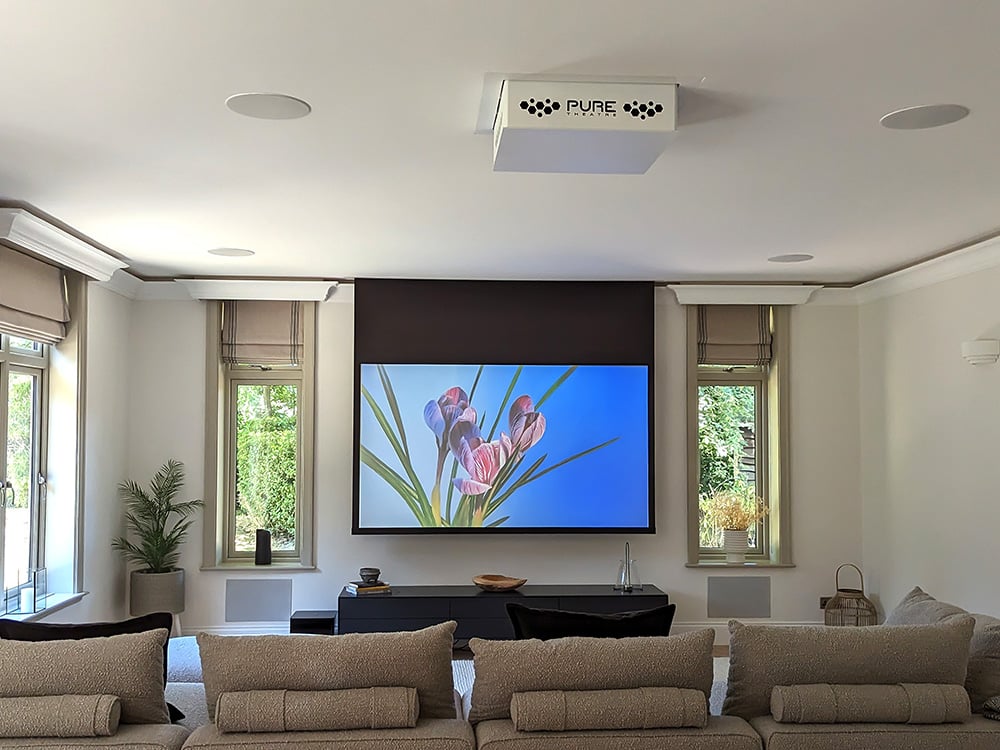
The other thing to consider is speakers. With a TV most people simply use the inbuilt speaker system or at most add a soundbar, although some projectors have built in speakers they are often not good enough to fill a living room with sound. We therefore always suggest teaming a projector system up with a good surround sound system. This doesnt have to ruin the aestehtic of yoru room though, you can get completley invisible speakers that plaster in and are very discrete.
Can you have a projector and a TV in one room?
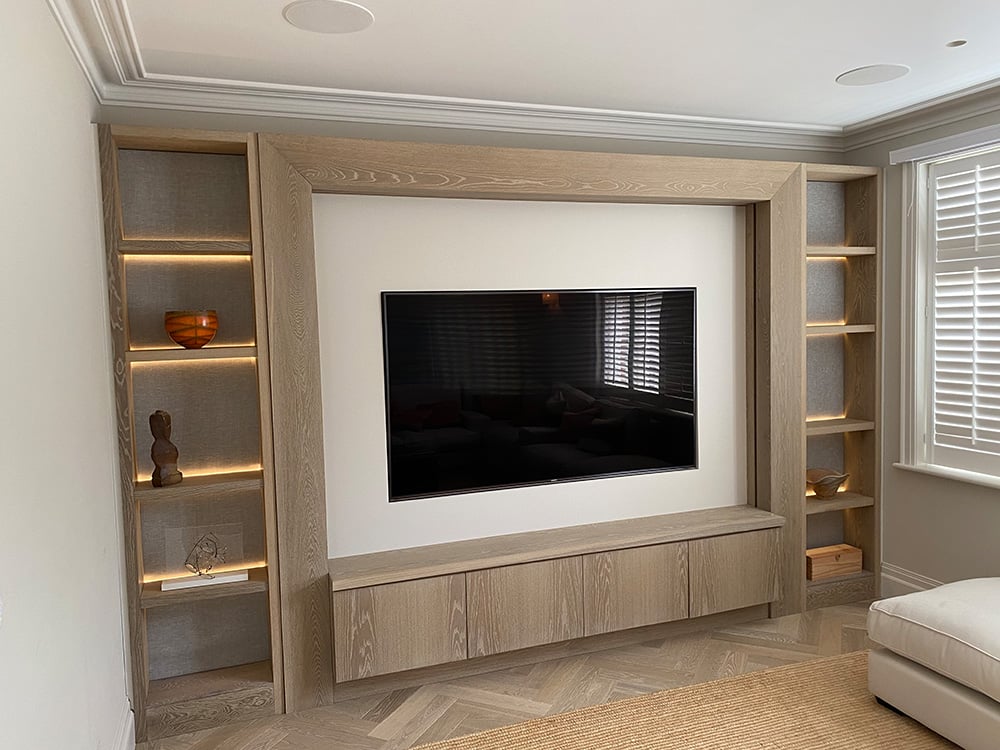
You can of course keep a TV in the room, many of our customer do. Your TV stays for everyday viewing; one button turns the room into a cinema. Such as this customer who fitted a projector screen within bespoke cabinetry. What we would say is you really do not need to keep your TV if your choose a projector and set it up correctly. A lot of the time customers keep a TV and then realise they never watch it and choose the projector instead.